
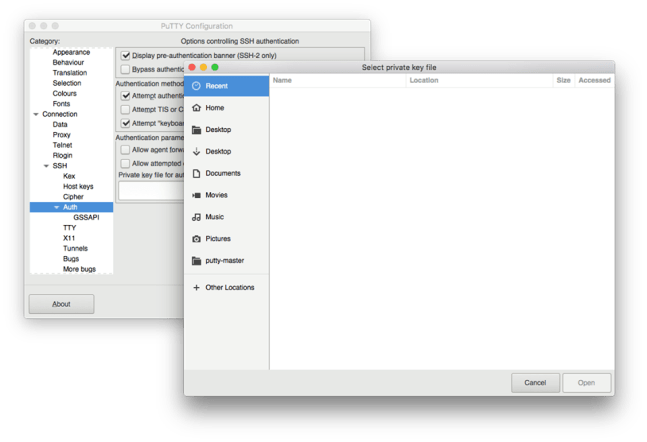
Here is a FAQ about Putty for Mac it should help answer the most common questions and support request.
(Q) What is Putty for Mac?
(A) Putty is one of the Best Terminal Emulators available today. It Supports different types of Network Protocols such as SSH, FTP, SCP, Telnet etc. In Windows it is used as SSH Client to connect to Your Linux server or for some other purpose But what will you do if you are on Mac? You might be thinking , Is there any Software like Putty for Mac Available? The answer is Yes! With the help of some other Software’s we can Use putty on Mac although Putty is used widely on Windows Platform. Official Versions of Putty are available on Unix like Platforms, and now it’s widely available for Mac systems running OSX 10.11 or higher. Please see the FAQ entry about running Putty on OSX 10.8, 10.9 and 10.10 below.
(Q) I get this error when installing ( Error : LaunchServices: Could not store lsd-identifiers file at /private/var/db/lsd/com.apple.lsdschemes.plist ) is this a Putty error / bug? Continue reading New Putty for Mac FAQ
 Putty for Mac