New Putty for Mac Video

Putty is one of the Best Terminal Emulators available today. It Supports different types of Network Protocols such as SSH, FTP, SCP, Telnet etc. In Windows it is used as SSH Client to connect to Your Linux server or for some other purpose But what will you do if you are on Mac? You might be thinking , Is there any Software like Putty for Mac Available? The answer is Yes! With the help of some other Software’s we can Use putty on Mac although Putty is used widely on Windows Platform. Official Versions of Putty are available on Unix like Platforms, and now it’s widely available for Mac systems running OSX 10.9.5 or higher.

SSH is available by default in Mac and Linux or Unix. Although you can use terminal for SSH connections still there are some benefits using putty such as Other clients don’t keep connections alive whereas Putty does. Also it is cool to use Putty as your SSH client if you are doing some CISCO Stuffs, transferring files, managing files on a server or whatever.

Putty for Mac only cost $19.95 and can be easily purchased here.

Putty for Mac FAQ

Here is a FAQ about Putty for Mac it should help answer the most common questions and support request.

(Q) What is Putty for Mac?
(A) Putty is one of the Best Terminal Emulators available today. It Supports different types of Network Protocols such as SSH, FTP, SCP, Telnet etc. In Windows it is used as SSH Client to connect to Your Linux server or for some other purpose But what will you do if you are on Mac? You might be thinking , Is there any Software like Putty for Mac Available? The answer is Yes! With the help of some other Software’s we can Use putty on Mac although Putty is used widely on Windows Platform. Official Versions of Putty are available on Unix like Platforms, and now it’s widely available for Mac systems running OSX 10.11 or higher.

(Q) I get this error when installing ( Error : LaunchServices: Could not store lsd-identifiers file at /private/var/db/lsd/com.apple.lsdschemes.plist ) is this a Putty error / bug?
(A) No, it’s a Mac OS X bug πŸ™‚ See : https://discussions.apple.com/thread/7270354?tstart=0

(Q) Can I install Putty on OSX 10.12 Sierra?
(A) YES! See :Β  http://osxdaily.com/2016/09/27/allow-apps-from-anywhere-macos-gatekeeper/

(Q) How do I expand the Putty window it is very small by default?

(A)Β  Unfortunately at this time, Putty for Mac does not support resizing an established connection.

What you can do is create another session for your application and set a custom Window size for it by changing the Columns and Rows and then save that for future usage of that application.

I know it is not optimal and hopefully we will be able to support resizing sometime in the future.


(Q)Where can I purchase Putty for Mac and how much does it cost?
(A) Putty for Mac cost $15.00 and can be purchased here.

Firewall Builder for Mac version 1.0 was released today

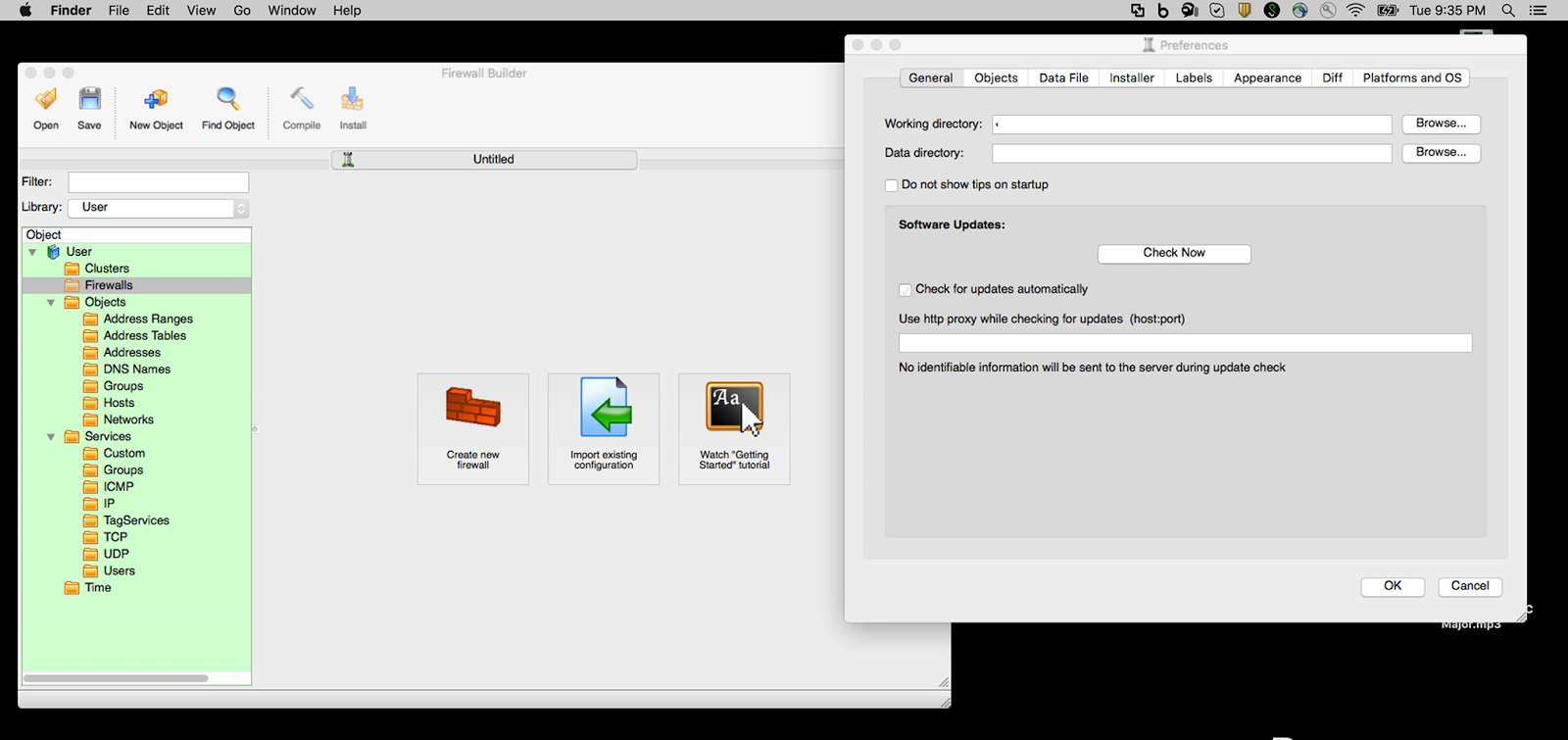
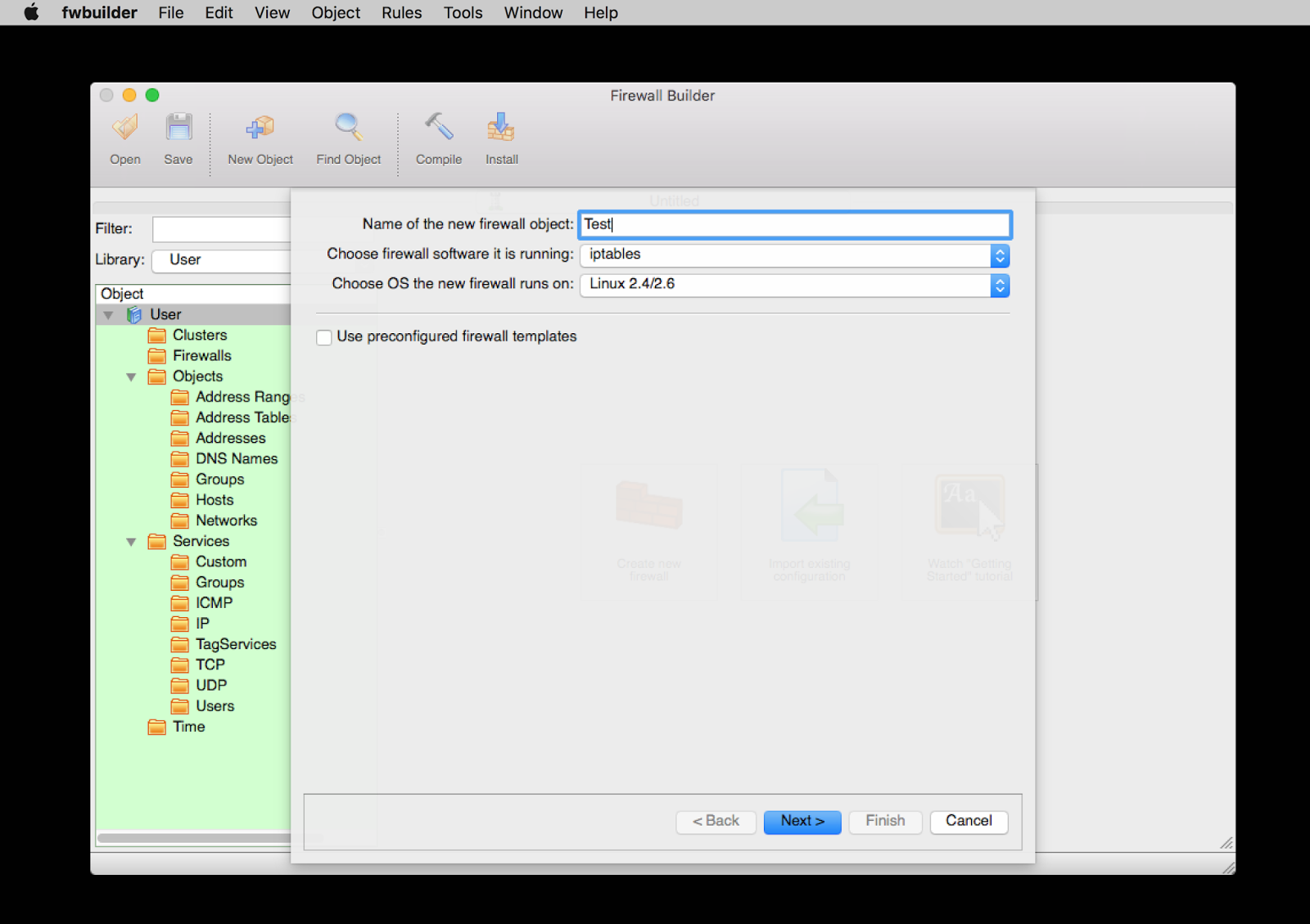
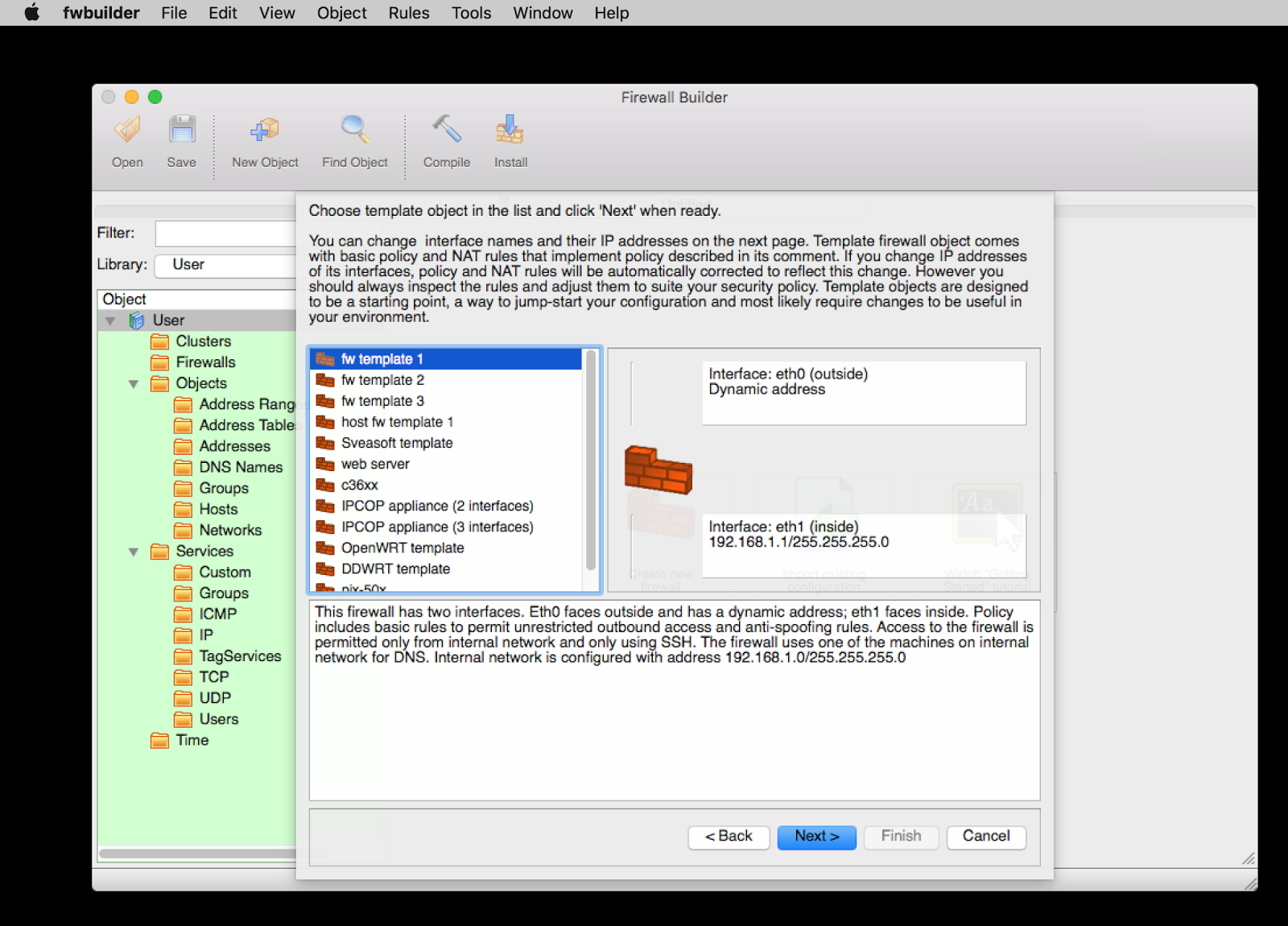
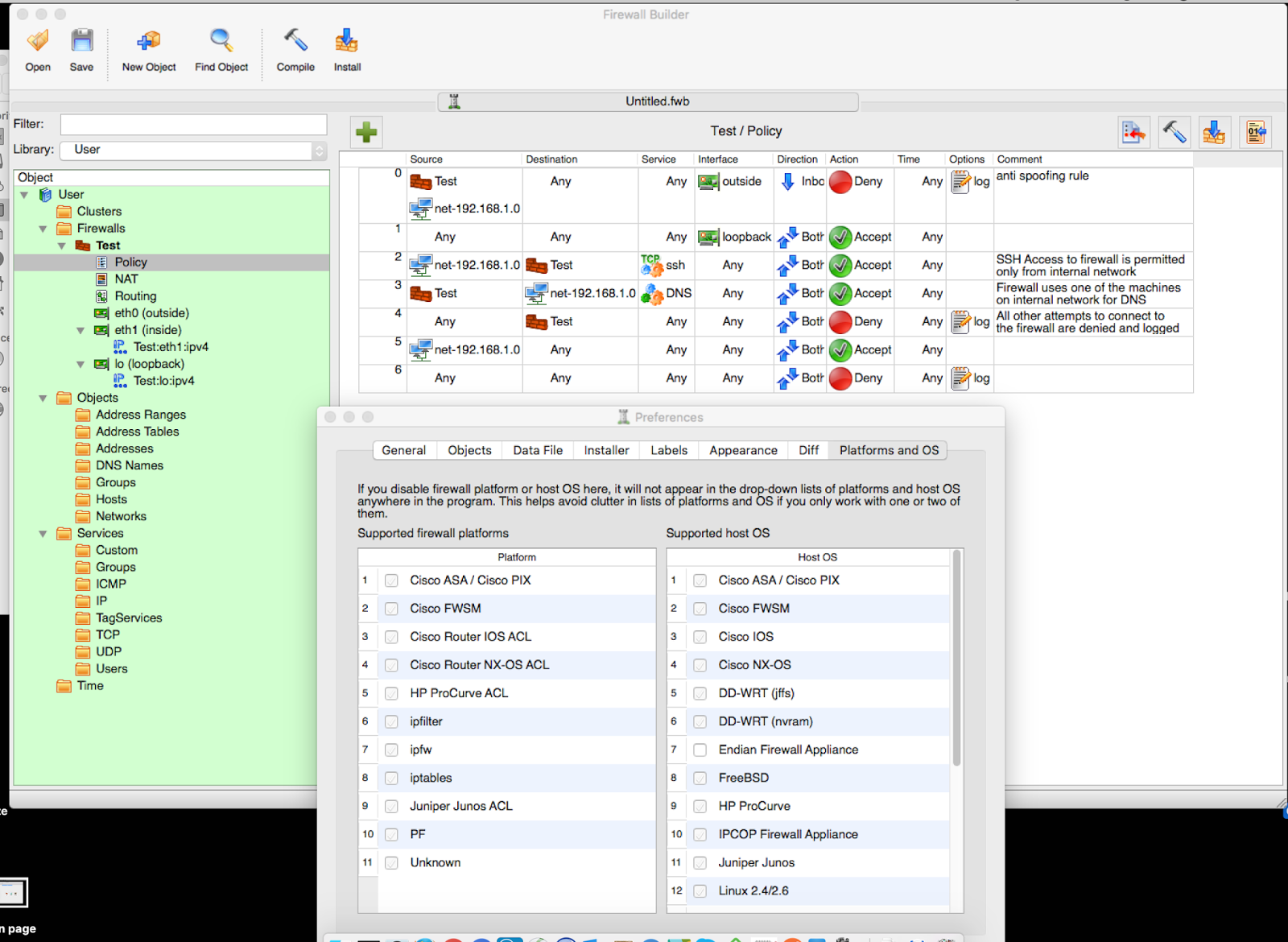
Today we released Firewall Builder 1.0 for MacOS Firewall Builder has been fully ported to GTK 3 and will run on OSX 10.11 or higher. You can find it listed in the Firewall Builder category.

Firewall Builder : Is a flexible and powerful tool that allows you to build firewall configurations and policies for multiple firewalls/machines based on iptables, ipfilter, OpenBSD pf, Cisco ASA & PIX, or Cisco FWSM. fwbuilder uses objects and functionality like drag-and-drop and search-and-replace to help ease configurations. You can install the fwbuilder on a separate machine and then either manually transfer the configurations or securely deploy via SSH or SCP.


You can purchase Firewall Builder for Mac for only $10.00 at this time, our online store is located here.