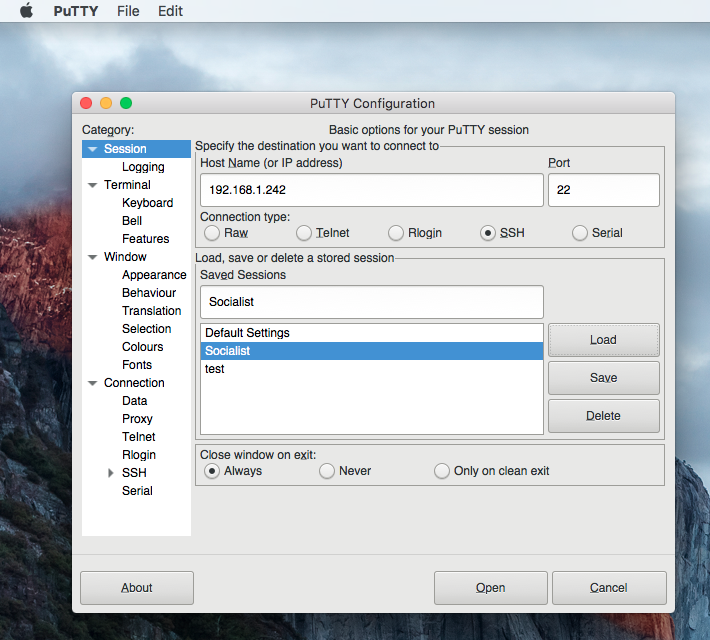
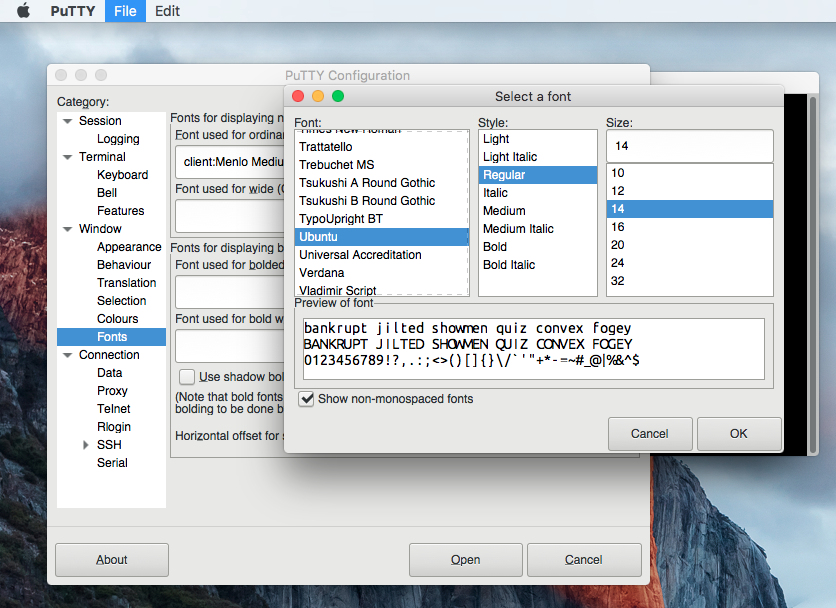
Putty for Mac FAQ

Here is a FAQ about Putty for Mac it should help answer the most common questions and support request.

(Q) What is Putty for Mac?
(A) Putty is one of the Best Terminal Emulators available today. It Supports different types of Network Protocols such as SSH, FTP, SCP, Telnet etc. In Windows it is used as SSH Client to connect to Your Linux server or for some other purpose But what will you do if you are on Mac? You might be thinking , Is there any Software like Putty for Mac Available? The answer is Yes! With the help of some other Software’s we can Use putty on Mac although Putty is used widely on Windows Platform. Official Versions of Putty are available on Unix like Platforms, and now it’s widely available for Mac systems running OSX 10.11 or higher.

(Q) I get this error when installing ( Error : LaunchServices: Could not store lsd-identifiers file at /private/var/db/lsd/com.apple.lsdschemes.plist ) is this a Putty error / bug?
(A) No, it’s a Mac OS X bug πŸ™‚ See : https://discussions.apple.com/thread/7270354?tstart=0

(Q) Can I install Putty on OSX 10.12 Sierra?
(A) YES! See :Β  http://osxdaily.com/2016/09/27/allow-apps-from-anywhere-macos-gatekeeper/

(Q) How do I expand the Putty window it is very small by default?

(A)Β  Unfortunately at this time, Putty for Mac does not support resizing an established connection.

What you can do is create another session for your application and set a custom Window size for it by changing the Columns and Rows and then save that for future usage of that application.

I know it is not optimal and hopefully we will be able to support resizing sometime in the future.


(Q)Where can I purchase Putty for Mac and how much does it cost?
(A) Putty for Mac cost $15.00 and can be purchased here.
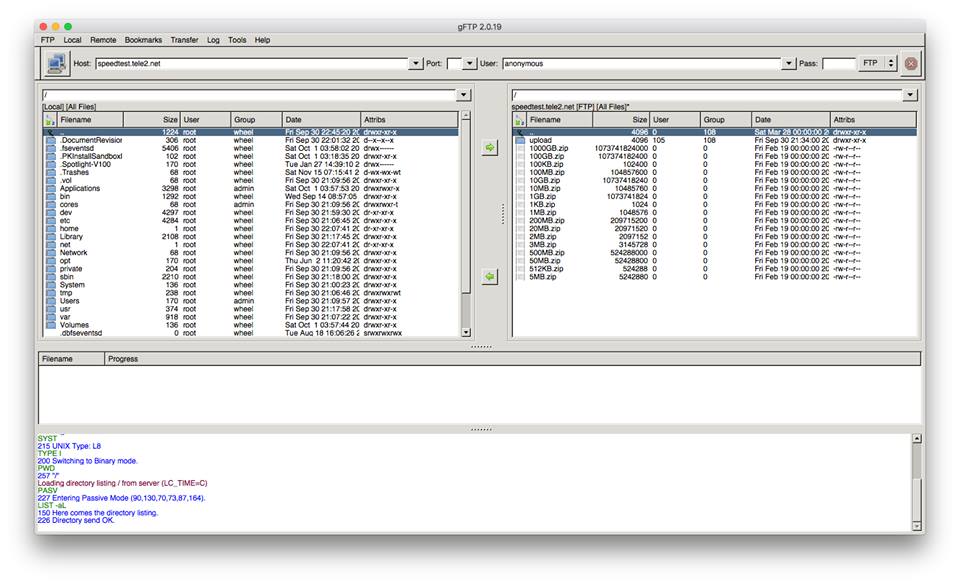
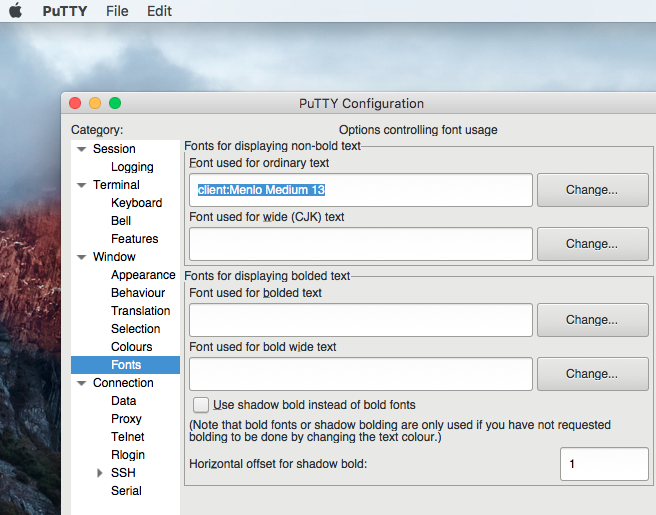
gFtp for Mac version 2.0.19 was released today

Today we released gFtp 2.0.19 for Mac OS X gFtp has been fully ported to GTK 2 and will run on OSX 10.11 or higher. You can find it listed in the Putty for Mac category.

Linux fans will already be familiar with the world of GNOME and gFtp but we have brought it to a wider audience by providing gFTP on Mac OSX.

gFTP is a multithreaded File Transfer Protocol client program. It is most used on Unix-like systems, such as Linux, Mac OS X and Sony PlayStation 3. It includes both a graphical user interface (GUI), which utilizes the GTK+ graphical toolkit, and a command-line interface. gFTP has been translated into over 45 different languages.

There is support for the FTP, FTPS (control connection only), HTTP, HTTPS, SFTP and FSP protocols, as well as FTP and HTTP proxy server support and FXP file transfers (transferring files between two remote servers via FTP).

The GUI uses a double-paned layout, with the local filesystem in the left pane and the remote filesystem in the right pane. Below there is a transfer queue that shows the real-time status of each queued or active file transfer. At the bottom is a message log, which displays the text commands and responses between gFTP and the remote server. Sites are stored in a hierarchical collection of bookmarks, though a site bar allows connections to unbookmarked sites.

Wine Reviews online store is here.

Putty 6.0.0 for Mac has been released Telnet SSH FTP SCP on your Mac made easy

The Bordeaux Technology Group released Putty for Mac 6.0.0 for Mac OSX today. Putty 6.0.0 is a maintenance release that fixes a number of small bugs. With this release we have updated the metadata to match that of the Windows version.

Putty is one of the Best Terminal Emulators available today. It Supports different types of Network Protocols such as SSH, FTP, SCP, Telnet etc. In Windows it is used as SSH Client to connect to Your Linux server or for some other purpose But what will you do if you are on Mac? You might be thinking , Is there any Software like Putty for Mac Available? The answer is Yes! With the help of some other Software’s we can Use putty on Mac although Putty is used widely on Windows Platform. Official Versions of Putty are available on Unix like Platforms, and now it’s widely available for Mac systems running OSX 10.9.5 or higher.

SSH is available by default in Mac and Linux or Unix. Although you can use terminal for SSH connections still there are some benefits using putty such as Other clients don’t keep connections alive whereas Putty does. Also it is cool to use Putty as your SSH client if you are doing some CISCO Stuffs, transferring files, managing files on a server or whatever.

The cost of Putty 6.0.0 is only $19.95. Anyone who has purchased Putty in the past six months is entitled to a free upgrade. Putty comes with six months of upgrades and support and of course a 30-day money back guarantee.

Supported Protocols:

  • Telnet
  • FTP
  • SSH
  • SCP

About Bordeaux:

The Bordeaux Technology Group is a software services and development company specializing in Windows compatibility software. Users of Linux, BSD, Open-Solaris and Mac systems from time to time find themselves in the need to run specialized Windows software. The Bordeaux suite enables access to these programs and data in a seamless and low cost manner without requiring licensing of Microsoft Technology. The Bordeaux Group also provides migration services and support for alternative operating systems specializing in Windows compatibility.

There is a multitude of software developed only for the Windows operating system and even when software vendors port their applications to another platform, generally it lacks features that the Windows version contains. The only solution these developers face is to have access to both systems for testing which leads to increased infrastructure demands, and wasted project resources.

Version 6.0.0 New Features:

  • Metadata updates
  • Small bug fixes

We use PayPal as our preferred payment provider, with PayPal you do not need an account to make a transaction simply select to pay via credit card, its very simple and fast.

  • All purchases include 6 months of email support and the product is backed by a 30 day refund.
  • Simply click on the Add to Bag button and order with your PayPal account or Major Credit Card
  • Follow the instructions on the page and when you order is complete be sure to click “Return to Merchant”

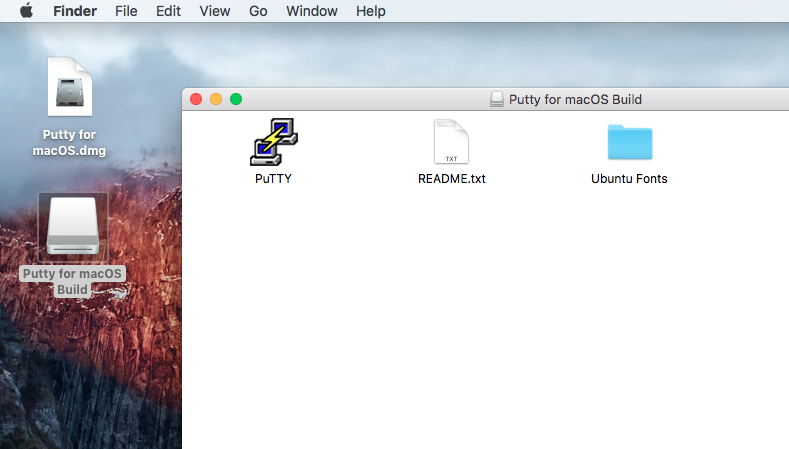
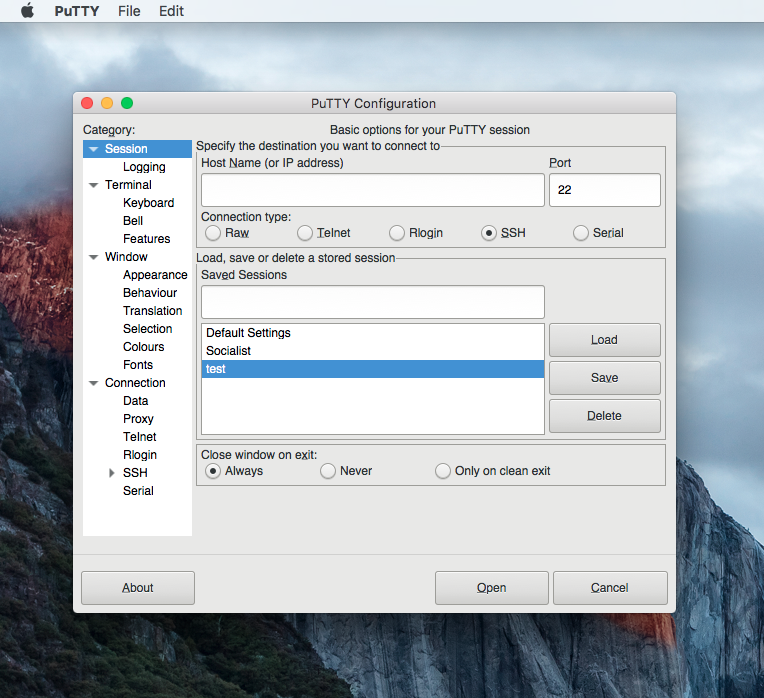
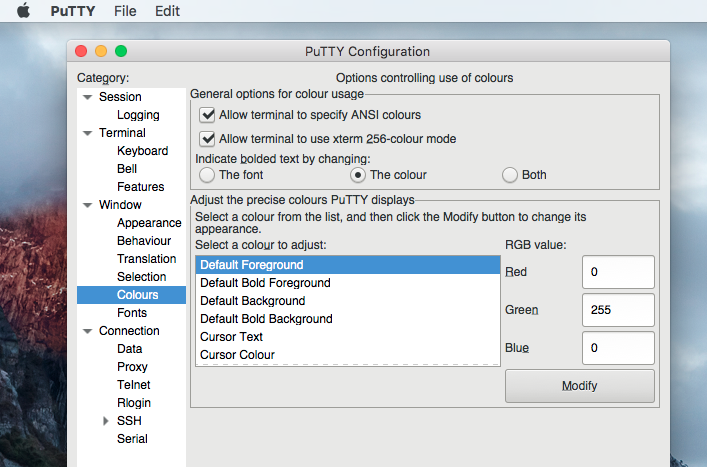
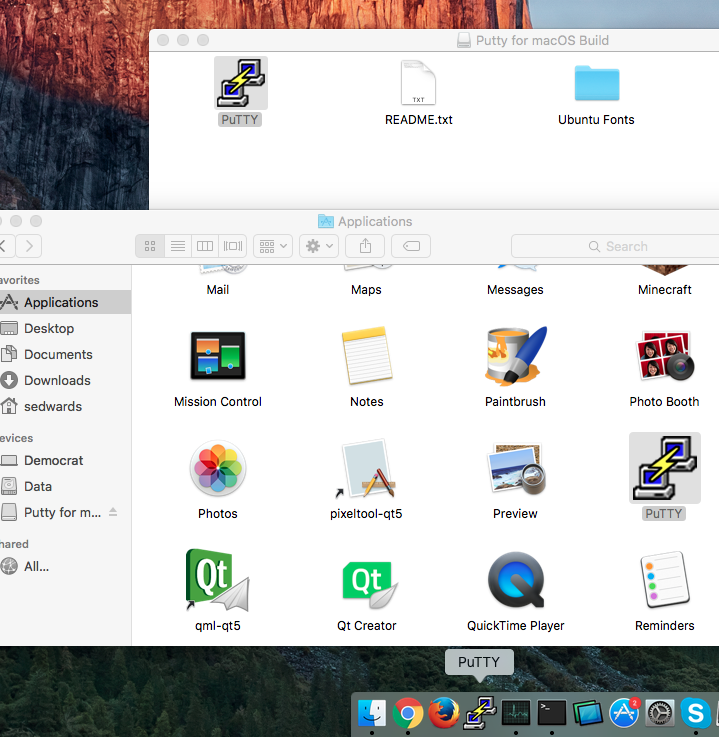
Screen Shots :


Purchase Putty 6.0.0 now and have Telnet SSH FTP SCP on your Mac made easy!